Better screenshots.
Tighter videos.
Capture an area or window, polish screenshots, tighten videos, and export. TightTake stays in the menu bar until you need it.
Designed for macOS 26
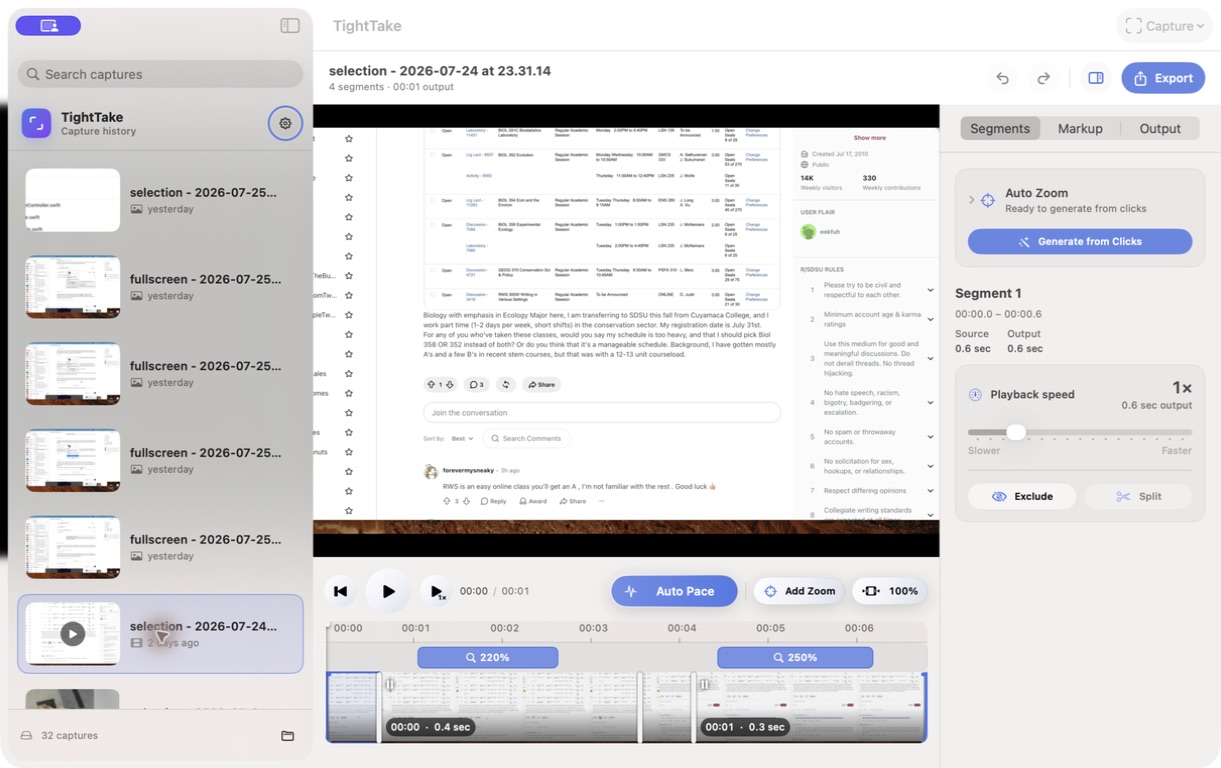
Video editing
Tighten slow stretches automatically.
Auto Pace finds low-action stretches and speeds them up, turning pauses and repetitive work into a tighter edit. Fine-tune the pacing, then add zooms wherever they help.
- Choose how aggressively Auto Pace tightens the video
- Move, resize, and adjust any zoom
- Preview the edited timing or the original recording
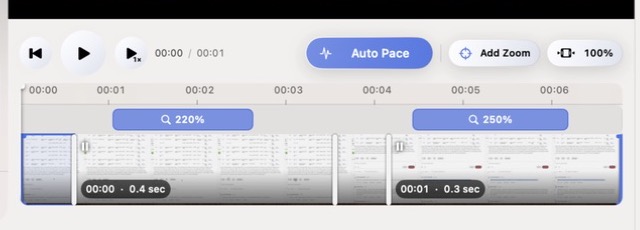
Still images and video
Polish screenshots and videos in one place.
Crop and mark up screenshots. Trim videos, speed up slow moments, and place zooms where they draw attention. Preview the result, then export without leaving TightTake.
Local by default
Your files stay your files.
Captures and edits stay on your Mac in the folder you choose. Open existing images or videos in place—TightTake does not upload them or make a cloud copy.

TightTake beta
Try TightTake before launch.
Capture, edit, and export with the current macOS 26 TestFlight build.